The website
Talk, the builders' forum
The boards, sorting and pages, what is new for you, starting a thread and replying, quoting, answers in Help, pasting a model or a step, mentions, photos, following a thread, search and RSS, and reporting or blocking.
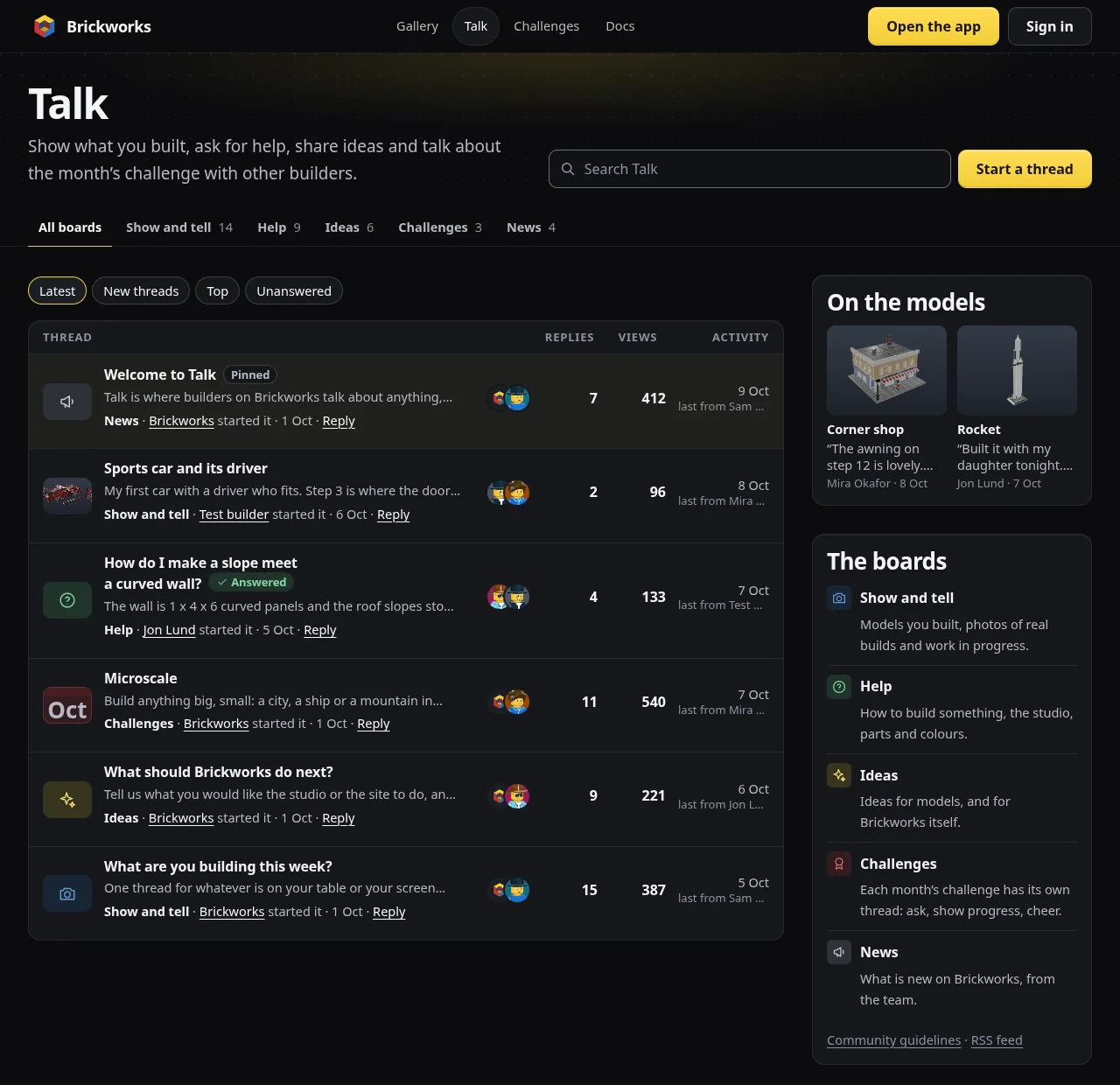
Talk is where builders on Brickworks talk about anything, not only under one model: show what you built, ask for help with a step, share ideas and talk about the month's challenge. It is at brickworks.diy/talk, linked from the top of every page. Anybody can read it; you sign in to write.
The boards
All boards is every board together. The boards are:
- Show and tell: models you built, photos of real builds and work in progress.
- Help: how to build something, the studio, parts and colours.
- Ideas: for models, and for Brickworks itself.
- Challenges: each month's challenge has its own thread, started by Brickworks.
- News: what is new on Brickworks. Only Brickworks starts a thread here; anybody can reply.
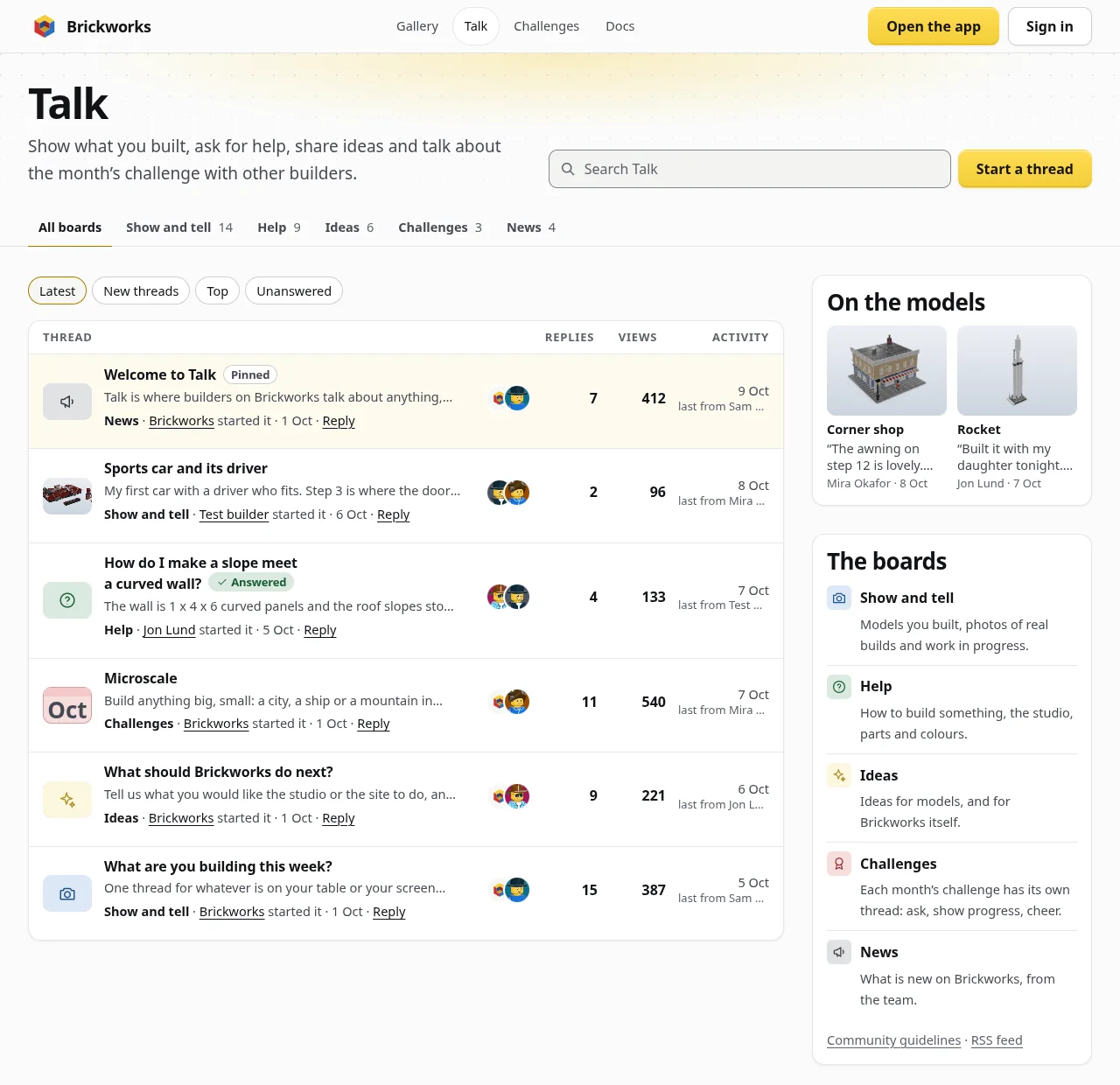
Each thread's row shows the picture of the model it is about, or its challenge's (its cover or its top entry), else the challenge's month, or its board's icon; who started it; how many replies and views it has; and when the last post came and from whom. A question in Help with a marked answer says Answered. On a phone the numbers sit in one line under the title. Beside the threads, On the models shows the newest comments under the gallery's models, each with the model's picture. The home page shows the newest threads too, under its row of models, once there are three. Talk is in the header beside Gallery and Challenges, in a phone's Menu and in the footer's Community.
Sorting and pages
Over the threads, choose how they are sorted:
- Latest: the newest talk first, the pinned threads at the top.
- New threads: the newest threads first, however old their last reply.
- Top: the most replies first, then the most views; choose This week, This month, This year or All time beside it.
- Unanswered: only the threads nobody has replied to yet, the newest first. Somebody's question waiting here is the best place to help.
- Unread, once you are signed in: only the threads with posts you have not read, with how many there are.
A board shows 30 threads a page, and a thread 20 posts a page. Under them, the page numbers say where you are: Show more adds the next page under this one, and each number goes to its page. Every page has its own address (/talk/b/help?page=3, /talk/t/501/my-first-technic-crane?page=4), so you can bookmark it, send it, or go back to it, and the search engines find every thread, old ones too.
What is new for you
Signed in, Talk keeps where you got to in each thread. A thread with posts you have not read has a dot beside it and says how many are new, as 2 new, and its title takes you to the first of them. A thread begun since your last visit that you never opened says New. In the thread, a line Not read yet sits over the first post you have not read, and The first you have not read under In this thread goes to it from any page. Reading a page marks it read, up to its last post.
Start a thread
Press Start a thread, choose a board, give it a title (3 to 120 characters) and say what you want to say (up to 4,000 characters of plain text). You can add one photo. Brickworks takes out where and when a photo was taken before anybody sees it.
On your own shared model's page, under Comments, Start a Show and tell thread about it starts one with the model's card at the top. A model has one Show and tell thread; once it has one, its page links to it for everybody.
Work in progress
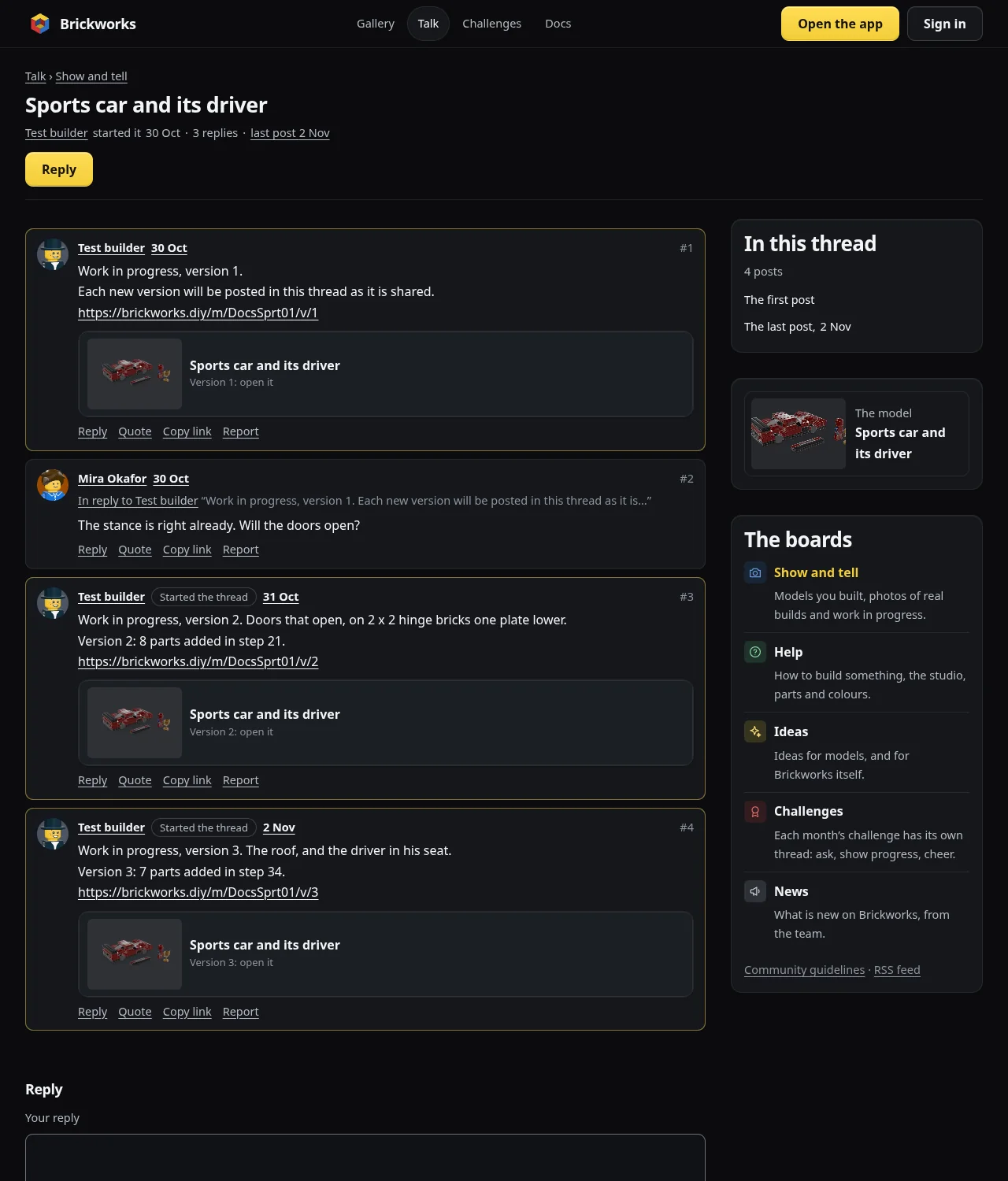
A model you share as work in progress keeps its Show and tell thread for you. The first version you share opens it, by you, with the model's card at the top. Each version after is one post in it, never a new thread: Work in progress, version 2, your note, what changed as its Log says it, and the version's own card with its picture, which opens that version. Publishing it as finished, or Mark it finished on its page, adds the last post and says it is finished.
Everybody can reply in between, as in any thread. Whoever follows the thread is told of each version; whoever follows you sees each in their feed too.
Ask the builders
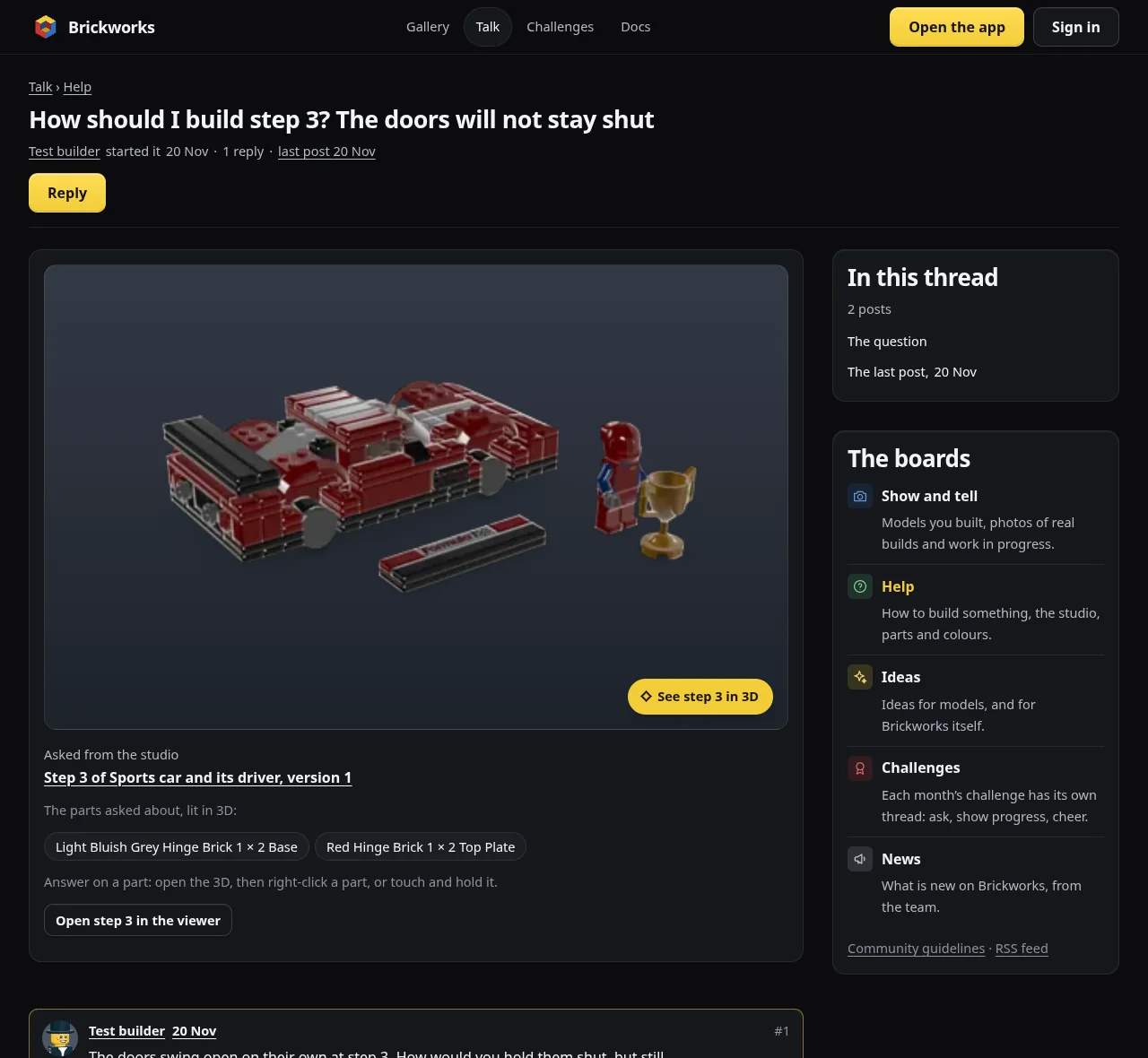
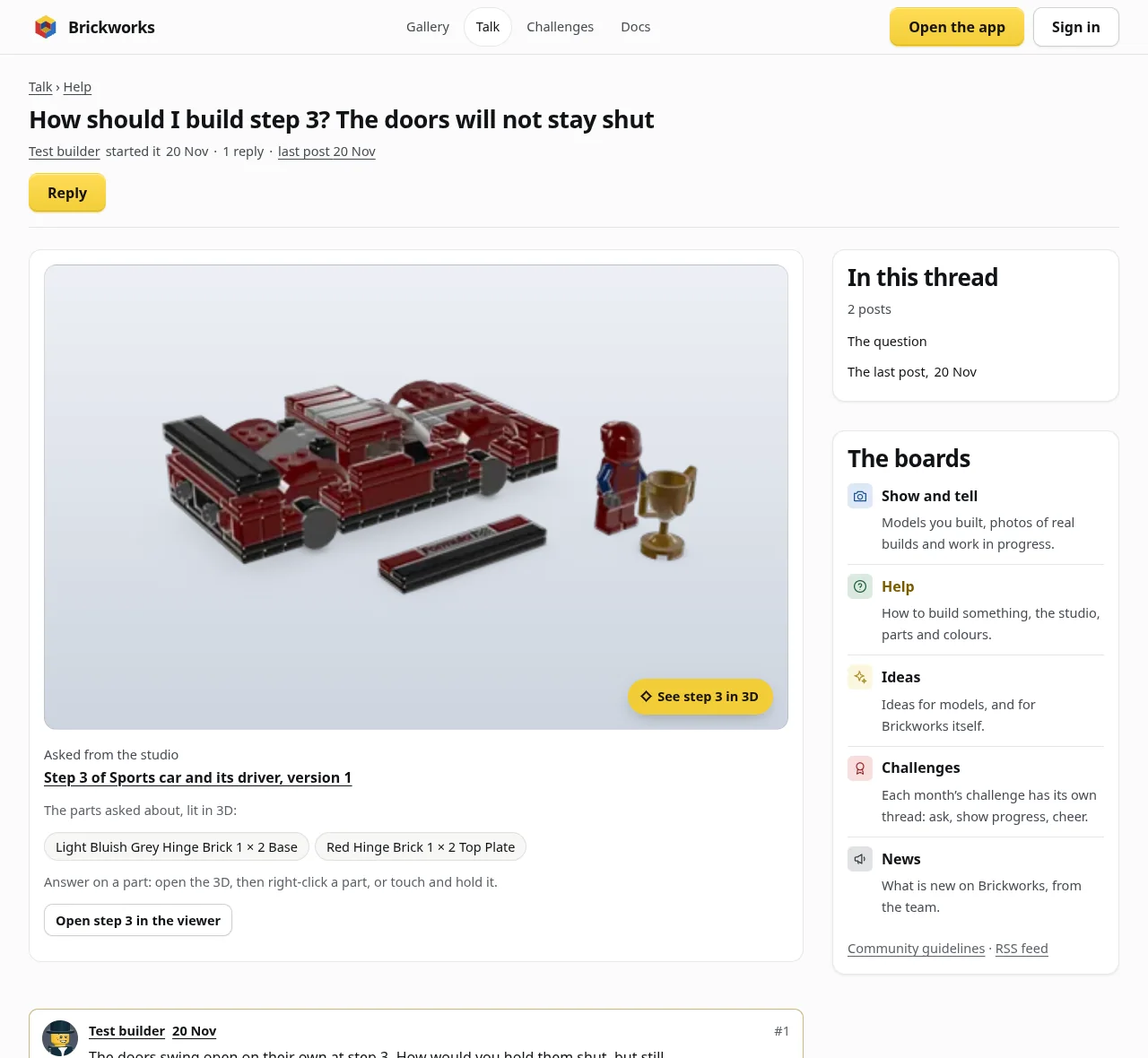
Stuck on a step? Ask from the studio, and the answers land on the part. Open Share in the toolbar (on a phone, in More), and under Ask the builders say what you want to know: it starts as How should I build step 12? for the step you are on. Pick the parts you mean first and they are named too. Ask in Talk starts a thread in Help, as you, with your model as it is now: it is published first if it changed since you last did, as Publish would.
The thread shows your model in 3D at that very step, the parts you picked lit, for anybody, signed in or not. A builder who answers opens the 3D, right-clicks a part (or touches and holds it) and chooses Answer on this part: their reply says On the 2 × 2 brick, and a numbered dot marks the part. Pressing the line turns the 3D to it.
In the studio, with the model open, each new answer on a part lights that part within half a minute, with New answer on a part in Talk, from …: Show selects it and frames it. The answers are listed with the model's comments on parts. Talk's rules hold for every post: you write from 13, and blocks and reports work as in any thread.
Ask about a step of a set
Stuck on a step of a real set's instructions? Ask everybody who built it. On the set's page (search for its number, or go to brickworks.diy/library/set/346-2 and change the number), open the Ask the builders tab. Pick the step under On, numbered as Build it numbers them, or leave it on the whole set: the box shows that step in 3D, so you can check it is the one you mean. Say what you want to know and press Ask the builders. If you are signed out, you sign in as it sends, and what you typed is kept.
It starts a thread in Help, as a question from the studio does: the step in 3D at its top for anybody to turn, and answers on a part with their dot on it. Everybody who published a version of that set hears of it in their Notifications, once, as when somebody mentions them: their choices for mentions decide whether it also comes to their phone or by email. Nobody under 13 is told, and nobody you blocked or who blocked you.
Under the box, the page lists what was asked about the set, newest first, each linking its thread: Answered once somebody else has replied, Open until then.
A thread
- Paste a link to a model, one version of it (
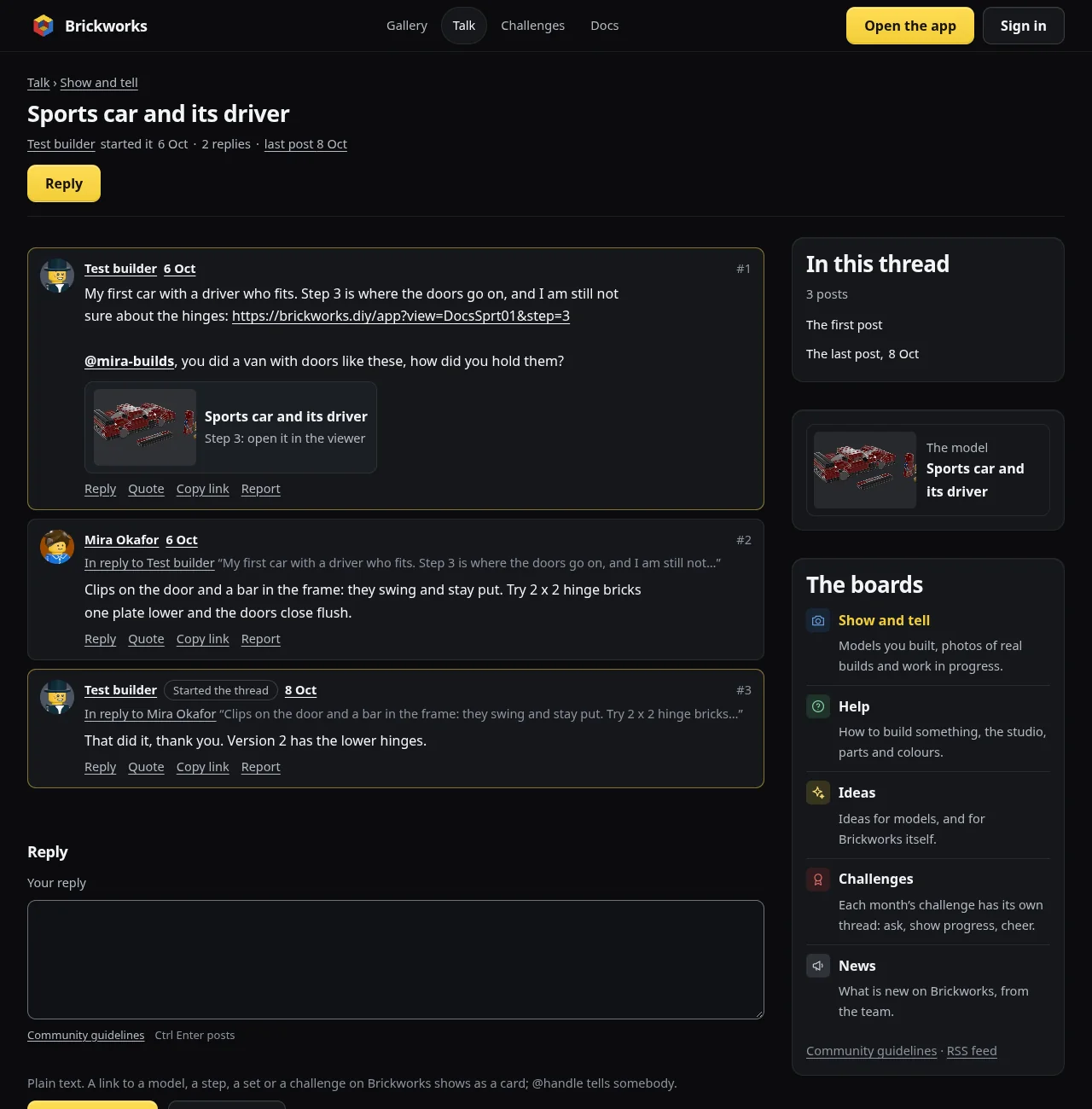
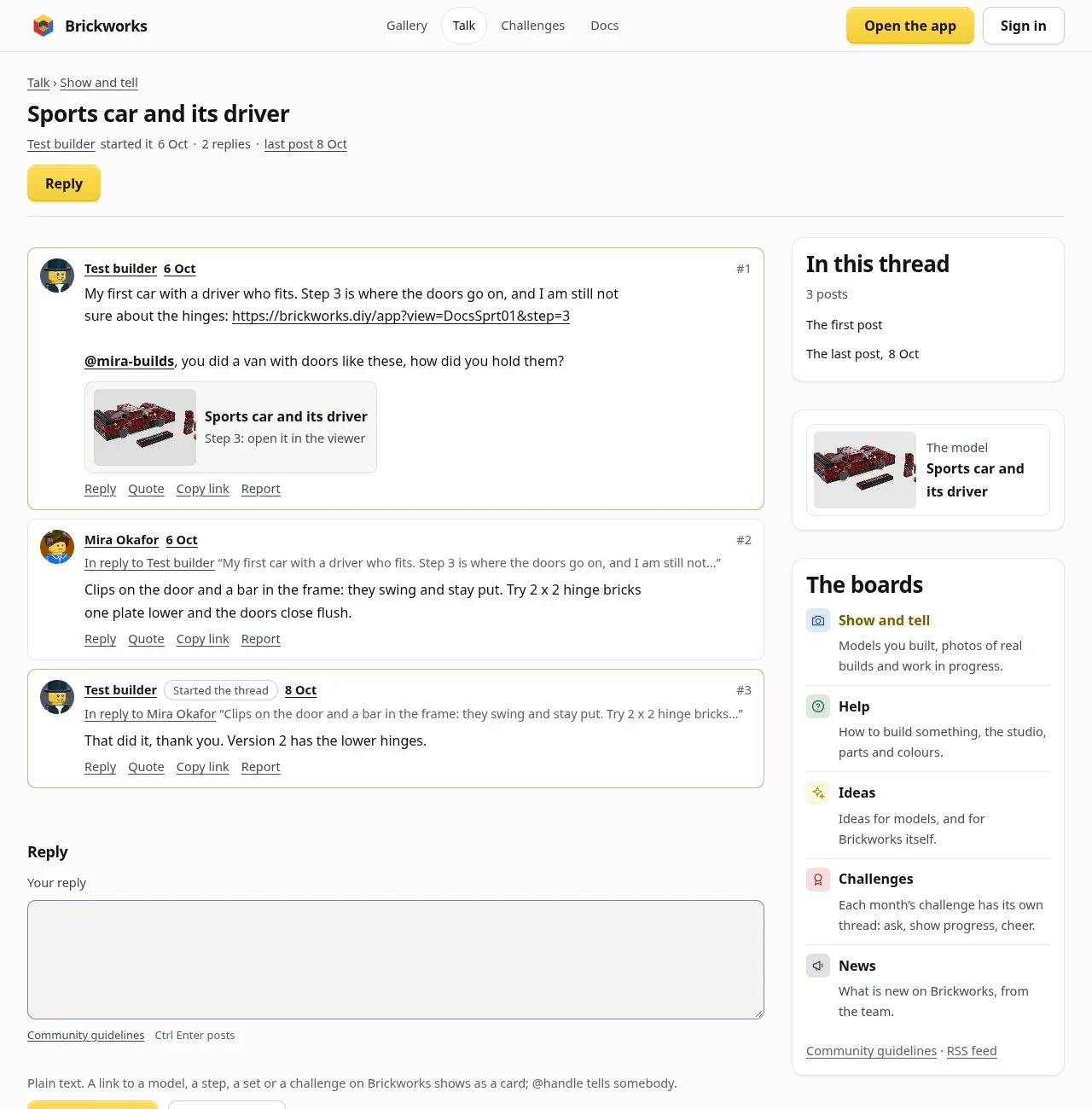
/m/<id>/v/<n>), a step of one (open it in the viewer at that step and copy the address), a set or the challenge on Brickworks: it shows as a card with its picture, a version's with that version's. A part number from Rebrickable or BrickLink shows as a part. A link to any other site stays plain words. - Write
@and a handle to tell somebody: they see it on their Notifications. Up to three a post. - Quote on a post puts its words in your reply, each line begun
>, and says whom you are answering: the post shows them set apart, with a line to where they were said. Pick some of a post's words first and Quote takes only those. - Copy link on a post copies its own address. It opens the page the post is on, whatever page that is by then, scrolled to the post. Each post's number (
#12) is its link too. - In this thread, beside the posts (under them on a phone), says how many posts there are and which you are reading, and goes to the question or first post, the answer, the first you have not read and the last post. Over the posts, the faces of who takes part and how many people that is.
- Reply answers the whole thread; Reply on a post says whom you are answering. Each row of a board has Reply too, which opens the box in the row: your reply shows under it and you stay on the board. The box works as everywhere on Brickworks: Ctrl+Enter posts, Enter is a new line, and signed out, Post signs you in and then posts what you wrote.
- What you are writing is kept while you look at another page of the thread, or at another thread before you start yours, until you post it or close the tab. A reply is kept for its own thread only, and a thread about a model for that model.
- Edit and Remove are on your own posts. Removing the first post removes the whole thread.
- Follow tells you of every new post in the thread, on your Notifications and, where you turned it on, as this device's notification. You follow a thread you started or replied in; press Following to stop. Mentions and replies to your own thread reach you either way.
Answers in Help
Whoever asked a question in Help can mark the reply that answered it: Mark as the answer on that reply. The answer then shows under the question, with See it in the thread, so the next person with the same question finds it at once, and the thread says Answered on its board. Not the answer takes the mark off again. Only the person who asked marks the answer; anybody can still reply. Search engines are told which reply is the answer too.
Search and feeds
Search Talk is at the top of every board. It finds threads by the words in their titles and posts, the start of a word too, and each thread found shows the post that says them, the words marked. It searches the board you are on; Search every board looks everywhere. A search's threads come in pages like any board's, sorted as you choose. Each board has an RSS feed (RSS feed under On the models), and so does all of Talk, at brickworks.diy/talk.rss.
Report and block
Report on a post tells the site's owner what is wrong with it. When three people report a post it is hidden until the owner looks; its writer still sees it, marked hidden. Block on a post blocks its writer, as on a profile: you no longer see their posts anywhere, and if you started the thread, nobody else sees their posts there either. They are not told.
The community guidelines apply in Talk as everywhere on Brickworks. People under 13 can read Talk but not write in it.