Documentation
Brickworks documentation
How to build, design with Claude, share and print instructions in Brickworks, the CAD app for LEGO® bricks that runs in a browser and on the desktop.
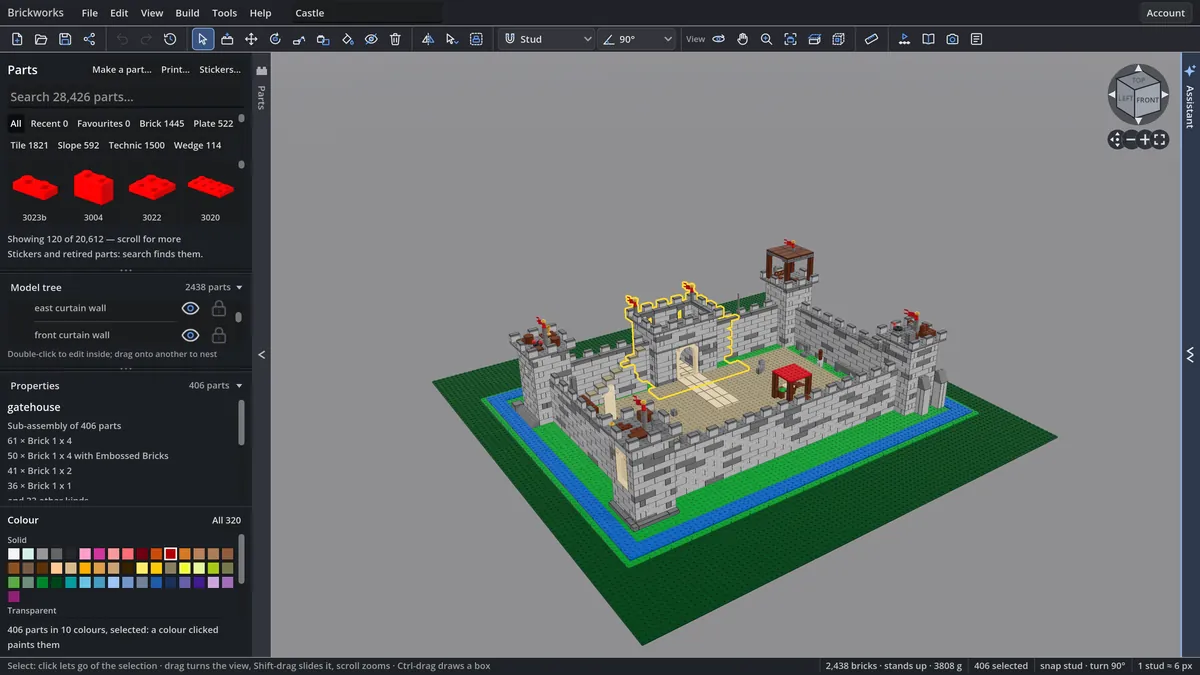
Brickworks is a CAD app for LEGO® bricks. It runs at brickworks.diy/app in any recent browser, on a computer, a tablet or a phone, and as a desktop app for Linux, macOS and Windows. You place real parts from the LDraw library, check that the model stands and holds, step through how it is built, print a booklet, and share it to the gallery. Claude can design with you, on your own Claude plan or API key, or another AI on your own key.
Start here
- The web app and the desktop appOpen it, sign in, and what each one can do.
- Your first modelPut parts down, colour and turn them, save and share, in ten minutes.
- Connect ClaudeHave Claude design with you on your Claude plan or an API key.
- Keyboard shortcutsEvery key, click and gesture the app answers to.
Find your way
- Building covers the builder itself: placing and moving parts, selecting, the parts bin, the view, joints and mechanisms, minifigures and prints, mosaics and brickify, your collection, files, panels and settings and every menu command.
- Designing with AI explains the assistant, the Claude connector, Claude Code, fresh eyes and how the AI works.
- The website is the community around the app: the gallery, sharing, a model's page, profiles and your feed, collections, the monthly challenge, Build together, the LDraw library and your account.
- Instructions and exports: booklets, and every file and picture the app makes.
- Reference: shortcuts, the MCP tool reference, accessibility, plans, troubleshooting and the changelog.
What it costs
Brickworks is free for personal and educational use: the web app and the desktop app, AI without a limit, building together, instructions, renders, exports and share links, and up to 25 models kept with your account. AI is never limited on any plan, because you bring your own: its maker bills your plan or key, never Brickworks. Pro, coming soon at $8 a month or $80 a year, keeps any number of models with your account and adds a licence for commercial use. See Plans and billing.