In any browser
The whole builder at brickworks.diy/app: on a computer, a tablet or a phone, with nothing to install. Your models follow you to every device you sign in on.
Every LDraw part at true size, joined where the real ones join and turned to any angle. See whether your model stands, turn its gears and print its booklet. Nothing to install, and free.
On a computer, a tablet or a phone, and on Windows, macOS and Linux.
How it works
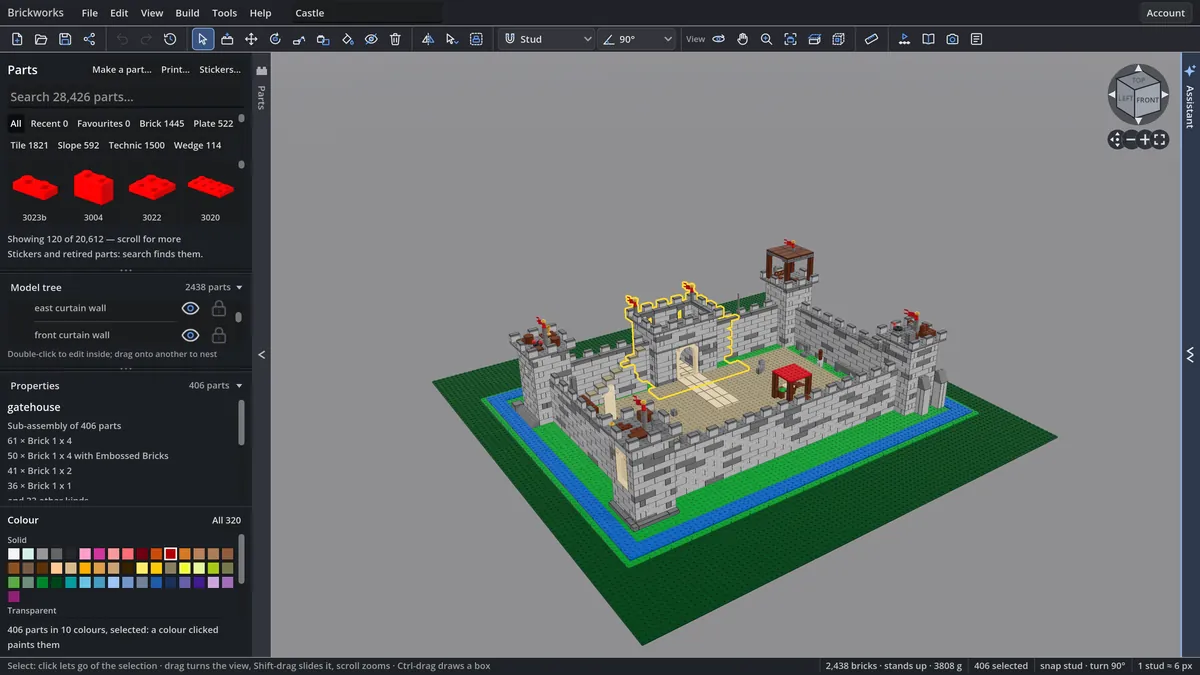
Any of LDraw’s parts, by its BrickLink or Rebrickable name, an element number, or a photo of the real one.
Studs, pins, axles and clips join where the real ones do, and nothing goes through anything. Turn a part by quarter turns, to the degree, or to any angle you type.
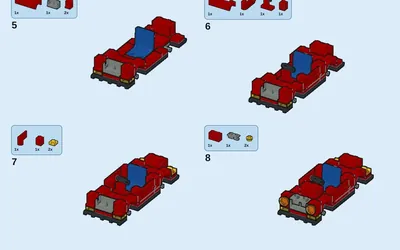
See where it would tip and which joints would give, set out the steps, then print the booklet or take the parts list to BrickLink or Rebrickable.
In the app
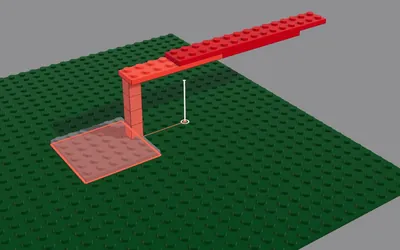

Open BrickLink Studio .io files, with the parts only Studio has, and LDraw and LEGO® Digital Designer ones.
A boom swings on its hinges, steering turns on its rack, an actuator stretches.
One model built by several people at once, by a link, each seeing the others’ parts go down.
Renders up to 4K, 3D export at true size, and parts lists for BrickLink and Rebrickable.
Sub-assemblies, copies that change with their original, and sections, as big sets are built.
The whole builder, laid out for a finger, and your models on every device you sign in on.
And minifigures, prints and stickers, hoses and chains, mosaics, parts made to any size, and what your own sets can build. All of it, in the docs
The gallery
The LDraw library
Every LEGO® set, each with a page of its own, its picture and its parts to build from. Those the LDraw community has modelled open in the builder whole.
Optional
Brickworks is made for building by hand. If you want help, turn on your own Claude: it can put a model together from a sentence, change the parts you select, or answer a question about it.
Web and desktop
The whole builder at brickworks.diy/app: on a computer, a tablet or a phone, with nothing to install. Your models follow you to every device you sign in on.
The desktop app works offline with every part on disk and handles the biggest models. It is free, like the web app.
Plans
Free for personal and educational use. Pro keeps every model you make and adds a licence to sell what you make.
Had an account before 29 October 2026? You keep everything. What that means
Open Brickworks in your browser and start from one brick, a real set or your own Studio file.
Beta: 100 testers get a month of Pro, free. Apply